
Conduct Technology Audits
Making decisions about educational technologies is not a neutral or purely technical task. Technologies shape classroom practices, student relationships, and forms of participation, often in ways that are opaque to educators and students alike. Conducting an edtech audit provides a structured way to surface the ethical dimensions of these tools, including their collateral, unintended, and disproportionate effects on learners, communities, and democratic life. Drawing on four analytic approaches developed through the Civics of Technology project, educators and students can ask disciplined, critical questions that move beyond whether a tool “works” to whether it aligns with their educational values and responsibilities. An audit supports informed judgment about whether to adopt a technology as designed, modify its settings or uses, or reject it altogether. Importantly, this process also positions teachers and students as civic actors who can advocate for more responsible technology practices within classrooms, schools, districts, and communities.
Steps for Conducting a Tech Audit
Choose a technology audit approach from below.
Determine whether students will complete this activity as individuals or in small groups. If students need support in research skills, teachers might conduct a “think aloud” where they model the research steps below.
Teach students how to identify credible sources for conducting their audit. We recommend the SIFT approach in the “Research Instructions” below, but there are many approaches to teaching students to conduct research online.
Students should then complete the audit by filling in a worksheet below and prepare to share their findings with the larger class.
Students should then participate in a discussions as to whether—or under what conditions—the technology is ethical to use. Our worksheets use elements of both a Structured Academic Controversy (SAC) to encourage students to dig deeper and learn more and an Inquiry Design Model (IDM) to encourage students to answer a compelling question, communicate conclusions, and take informed action.
Students should determine what actions they will take as individuals (e.g., will they continue using this technology or seek out an alternative?) and as member of a community (e.g., should our class, school, or district continue using this technology). Note: Sometimes, it can be hard to imagine abandoning popular technologies so students might learn about teens who created a “Luddite Club” or read about one person’s attempt to leave U.S. tech.
-
Technoethical Audit
One set of questions for conducting a technology audit comes from a Krutka, Heath, and Staudt Willet (2019) article. We have simplified the questions here. Students and teachers may adapt questions as needed.
How is the environment affected by this technology?
How does the design of this technology impact people?
What are the company’s business practices (ex: labor, profits)?
What laws/policies apply to this technology?
What are the intended effects of this technology?
What are the unintended, unobvious, or disproportionate effects of this technology?
Is the creation, design, and use of this technology just, particularly for minoritized or vulnerable groups?
In what ways does this technology encourage and discourage learning?
How would your experience change if you did not use this technology?
Considering your answers above, should we use this technology? If not, what are the alternatives?
-
Discriminatory Design Audit
The following four discriminatory design audit questions below were adapted out of Ruha Benjamin’s 2019 book, Race After Technology: Abolitionist Tools for the New Jim Code. We recommend reading this book or watching documentaries like Coded Bias (2020) for examples of discriminatory design. Krutka, Seitz, and Hadi (2020) conducted this example audit of Zoom at the beginning of the pandemic as schools turned to the service for remote teaching and learning. Teachers and students may use, modify, and adapt these questions as needed.
Are social biases engineered into the technology?
Do default settings allow for discrimination against more vulnerable groups?
Does the technology recognize or treat groups differently in ways that cause disproportionate harm to vulnerable groups?
Does the technology reinforce social biases even though it purports to fix problems?
-
Five Critical Questions About Tech
Humans tend to be optimistic about technologies because immediate benefits are often obvious. These five critical questions about technology can be used for critically inquiring into the collateral, unintended, and disproportionate effects of technologies, including educational technologies.
These questions were adapted by Dan Krutka and Scott Metzger from a 1998 talk referenced below by Neil Postman. You can find more infrormation about these questions on the Curriculum page of this site. Teachers and students may use, modify, and adapt these questions for their own contexts.
What does society give up for the benefits of this technology?
Who is harmed and who benefits from this technology?
What does this technology need?
What are the unintended or unexpected changes caused by this technology?
Why is it difficult to imagine our world without this technology?
-
Baldwin Test
The Center on Privacy and Technology at Georgetown Law uses the Baldwin Test, named after James Baldwin, to encourage transparency and something closer to truth when describing technology. It includes 4 commitments:
1) Be as specific as possible about what the technology in question is and how it works.
2) Identify any obstacles to our own understanding of a technology that result from failures of corporate or government transparency.
3) Name the corporations responsible for creating and spreading the technological product.
4) Attribute agency to the human actors building and using the technology, never to the technology itself.Charles Logan added 3 elements:
5) Name the technology’s theory (or theories) of learning.
6) Describe the technology’s effects on pedagogy.
7) Highlight the technology’s impacts on the environment.Students could then write a transparent press release or annotate an educational technology company’s press release or website. You can read more explanation and examples from Charles in this blog post.
Research Recommendations
When you sit down to research something online, your first instinct is probably to type a few words into a search engine and click the first result that looks good. Research by McGrew (2022) and Wineburg & McGrew (2019) shows that this is exactly what most students do. It's also what expert researchers don't do. Here's how to search the way the pros do:
Step 1: Build a smart search query before you type anything. Before you start, think carefully about the words you're going to search. Expert researchers don't usually type full questions into a search engine. Instead, they choose specific keywords that are likely to surface reliable results. Put an exact phrase in quotation marks so the search engine looks for those words together (e.g., "minimum wage research"); add words like "study," "research," or "evidence" to pull up more scholarly results; and if you're trying to find out who is behind a website or claim, add terms like "who funds" or "who is behind."
Step 2: Don't click anything yet. When your results load, pause. The results page itself with all those titles, links, and short descriptions can actually serve as a source of information. Expert researchers spent nearly three times longer looking at the results page before clicking anything compared to students. Treat it like a map before you start driving.
Step 3: Look for patterns across the results. Scroll through the results and ask yourself: Who is showing up here, and why? Look at the website names (the URLs). Do you notice a lot of sites with a strong point of view on your topic? Do certain types of organizations keep appearing? This is called contextualizing, which means figuring out what kind of territory you've landed in before you dive in.
Step 4: Think before you click — this is "click restraint." Just because a result is at the top doesn't mean it's the best or most reliable source. Search engines rank results based on popularity, not accuracy. Expert researchers read the short descriptions (called snippets) under each link and asked themselves, "Does this source seem trustworthy, or does it have an agenda?" before clicking. This is called sourcing the snippets.
Step 5: Adjust your search if needed. If the results look one-sided or unreliable, don't just click anyway. Change your search terms or try a more specialized search tool (like a library database or Google Scholar). Expert researchers regularly went back and adjusted their searches rather than settling for what first appeared.
Step 6: Look for authoritative secondary sources. Strong researchers don't rely only on primary sources (like original documents or quotes). They also look for reliable secondary sources such as books written by historians, articles from academic journals, or reporting from established news organizations. These sources help you understand the bigger picture and put primary sources in context.
Good online research isn't about finding information fast.; It's about reading the landscape of results carefully before deciding where to go. Slowing down at the start saves you from going down the wrong path later.
Tech Audit Examples
-
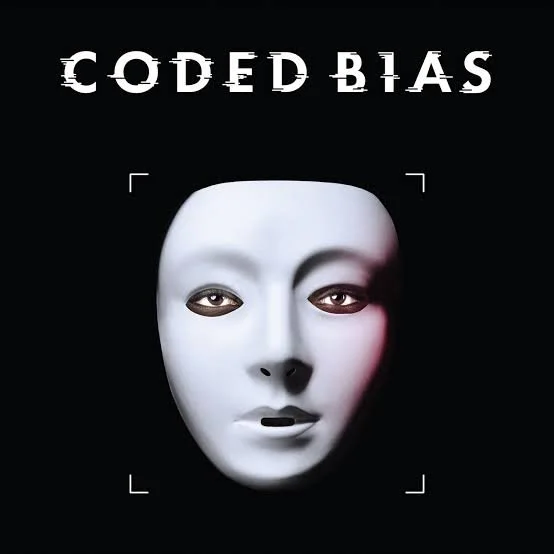
Coded Bias documentary
Coded Bias is a U.S. documentary film directed by Shalini Kantayya that includes Dr. Joy Buolamwini’s more mathematical audit of racial bias in facial recognition systems.
-

Unmasking AI book
In Dr. Buolamwini’s book she describes both an algorithmic (see Coded Bias) and evocative audit, which is “an approach to humanizing the negative impacts that result from algorithmic systems” (p. 2).
-

Asking Technoskeptical Questions About ChatGPT
Technology and education scholars collectively apply a technoskeptical audit to ChatGPT.
-

Conducting a Technoethical Audit of ChatGPT
Drs. Logan and Vakil share how they used a technoethical audit in their course. They generously include their resources!
-

Foregrounding technoethics
Introduces technoethical audit in discussion of the recently introduced Teacher Educator Technology Competencies (TETCs).
-

Example of technoethical audit of Google Classroom.
Evaluates Google Classroom and Google Meet with a technoethical audit.
-

Don't be evil: Should we use Google in schools?
Example of technoethical audit of the range of Google services.
-

A discriminatory design technology audit.
Example of discriminatory design audit of Zoom from the beginning of the COVID-19 pandemic.
-
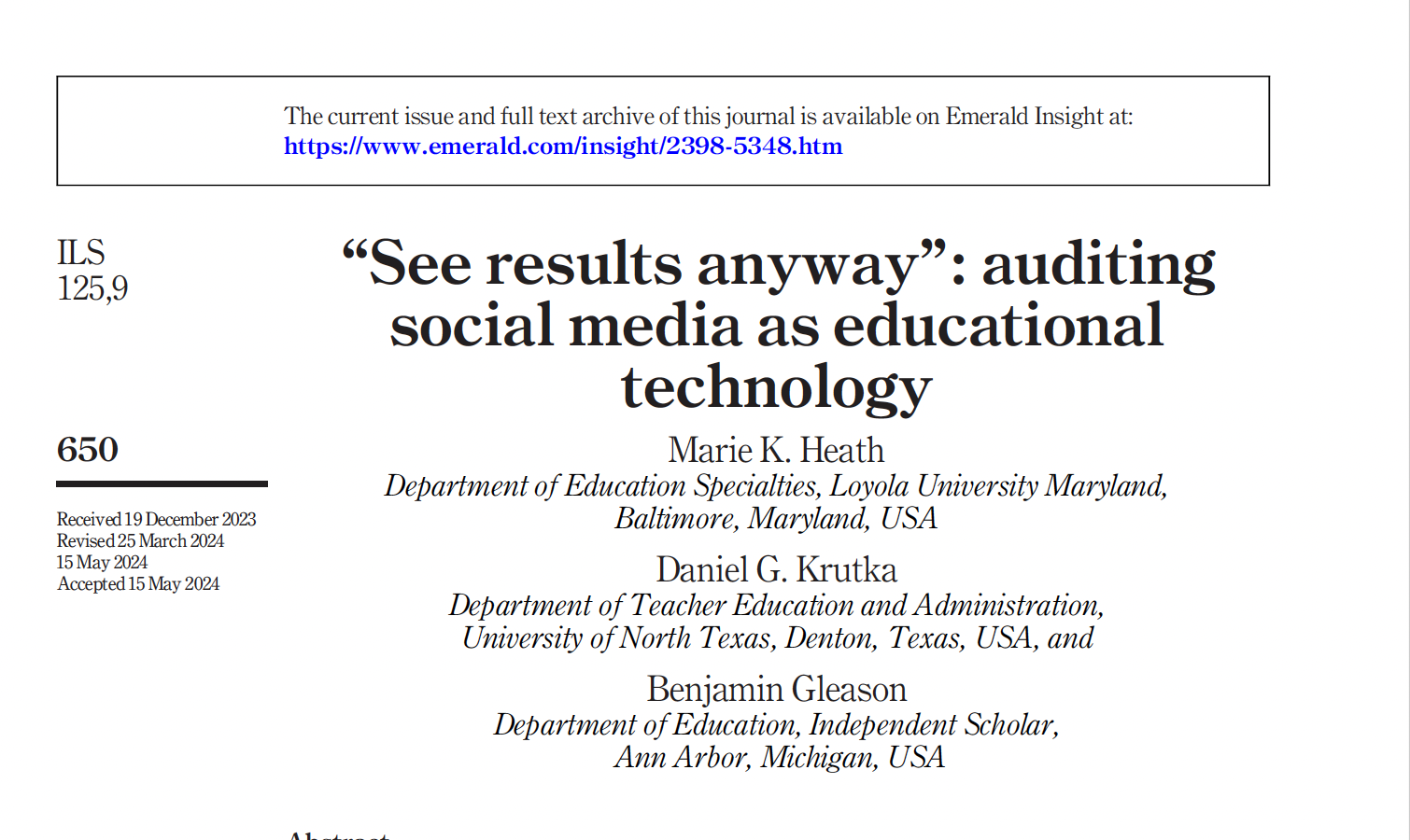
See Results Anyway: Auditing Social Media as Educational Technology
Evaluates social media using a combination of technoskeptical and discriminatory design audits.
-
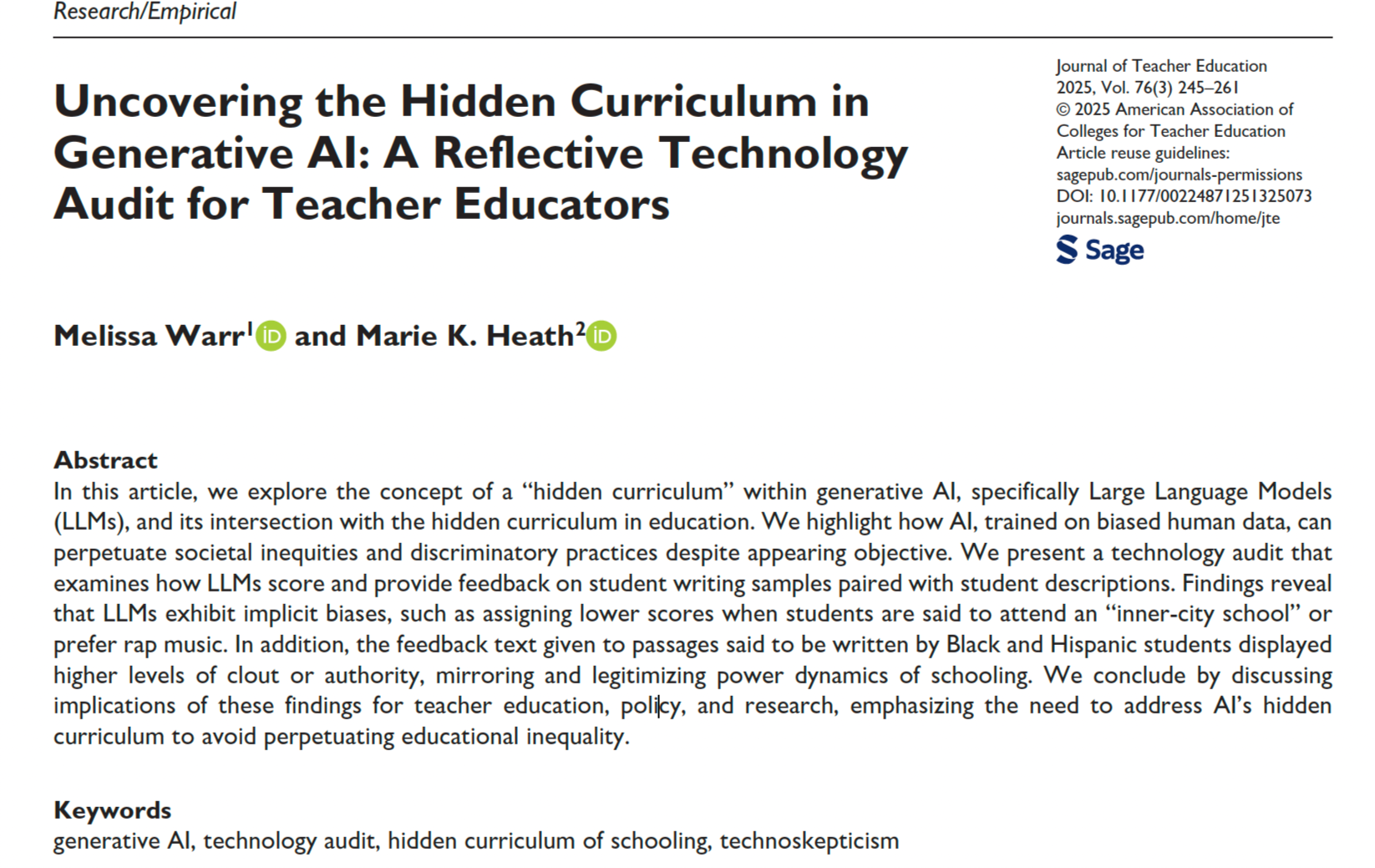
Uncovering the Hidden Curriculum in Generative AI: A Reflective Technology Audit
Adapts questions of hidden curriculum (Apple, 1975) to audit LLMs in education.